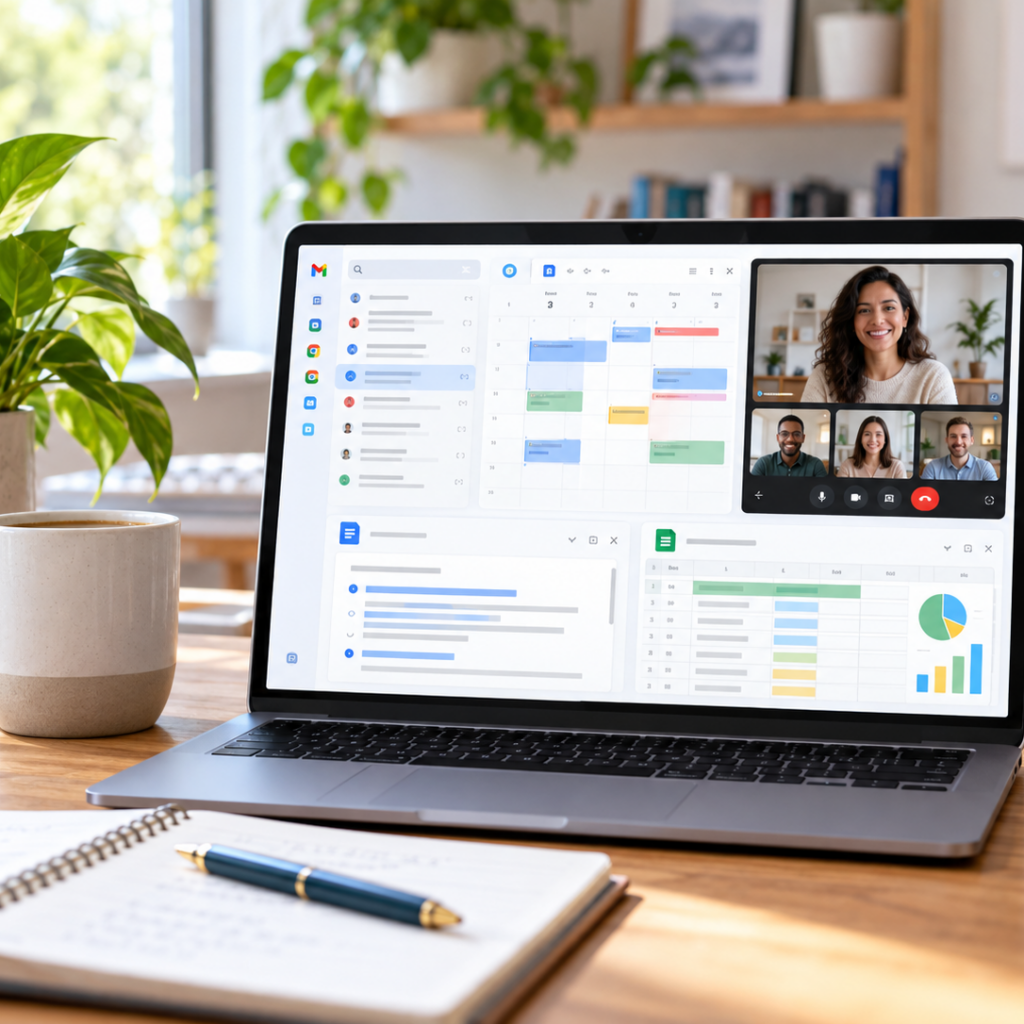
WORK SMARTER. TEACH BETTER. STAY ORGANIZED.

Google Workspace for Learning, Teaching & Small Business

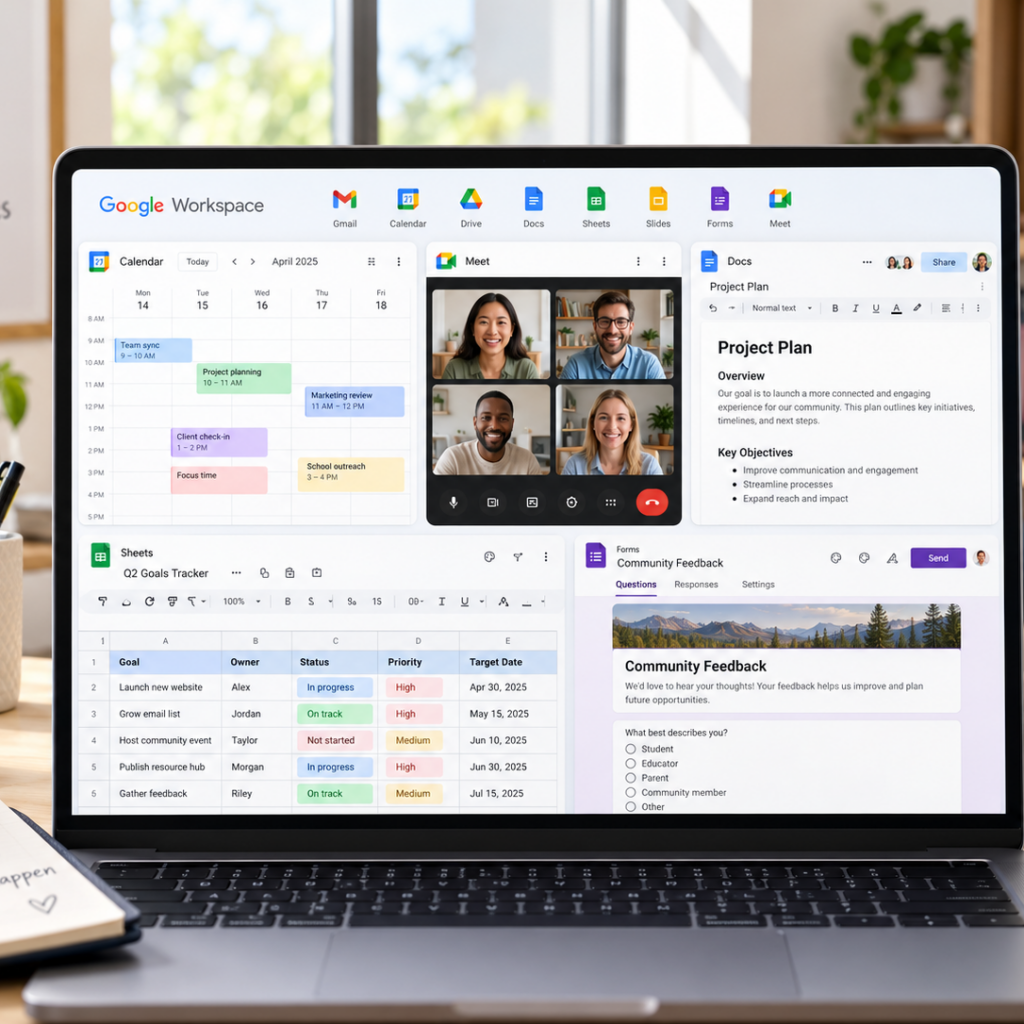
Bring Gmail, Drive, Docs, Meet, Calendar, Forms, and Gemini into one connected workflow for learning, teaching, content creation, and everyday business. Digital Nutrients uses Google Workspace to organize educational resources, collaborate, and manage growing content libraries.

Digital Nutrients Tools: This guide explores how Google Workspace can support learning, teaching, content creation, and small-business workflows.

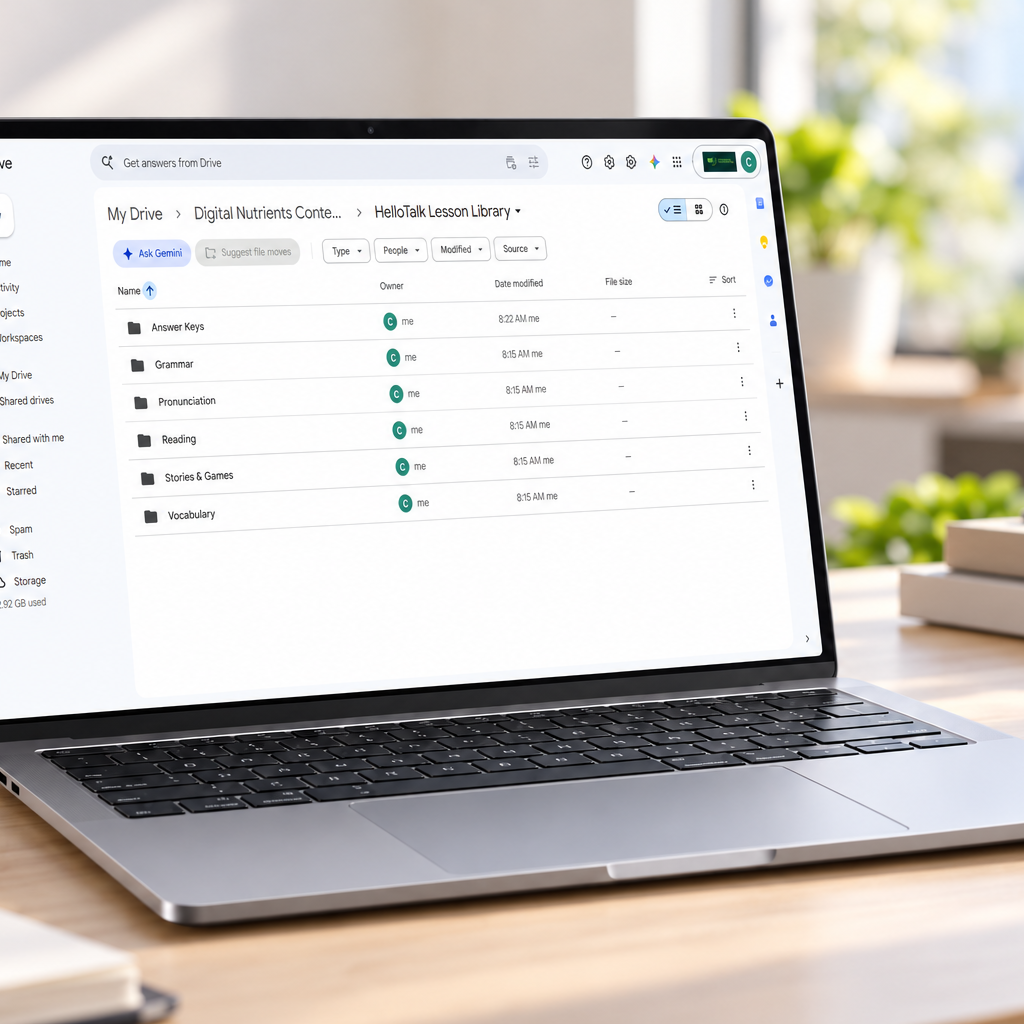
Google Drive Workspace Hero Scene

What Is Google Workspace?

Google Workspace is a cloud-based productivity and collaboration suite that brings tools such as Gmail, Drive, Docs, Sheets, Calendar, Meet, Forms, and Gemini into one connected environment. It can help learners, educators, creators, and small businesses organize files, communicate, collaborate, and manage everyday workflows more efficiently.
Who Is This Guide For?

Learners

Tutors image

Tutors

Teachers Image

Teachers

Creators image

Creators

Small Businesses

Whether you’re learning, teaching, creating content, or running a small business, Google Workspace can help you organize information, collaborate, communicate, and keep your work accessible across devices.

What You Can Do With Google Workspace

A connected set of tools for organizing resources, creating content, collaborating, scheduling, and managing real-world learning and business workflows.

Drive

Docs & Slides icon

 Docs & Slides

Google Sheets Icon

 Sheets

Google Calendar & Meet

Calendar & Meet

Forms

Gemini

Practical Workflows for Real Life

See how Google Workspace can connect learning, content creation, and small-business tasks into organized workflows.

Language Tutor Workflow

Collect learner information with Forms, organize lesson materials in Drive, create activities in Docs, schedule sessions with Calendar, and meet online with Google Meet.

Content Creator Workflow

Draft scripts in Docs, organize graphics and video assets in Drive, track production in Sheets, schedule publishing with Calendar, and use Gemini to support planning and drafting.

Small Education Business Workflow

Use business email, shared files, Forms, Sheets, Calendar, and Meet to manage communication, learner onboarding, scheduling, records, and everyday operations.

How Digital Nutrients Uses Google Workspace

We use Google Workspace to organize learning resources and build more connected content, teaching, and business workflows.

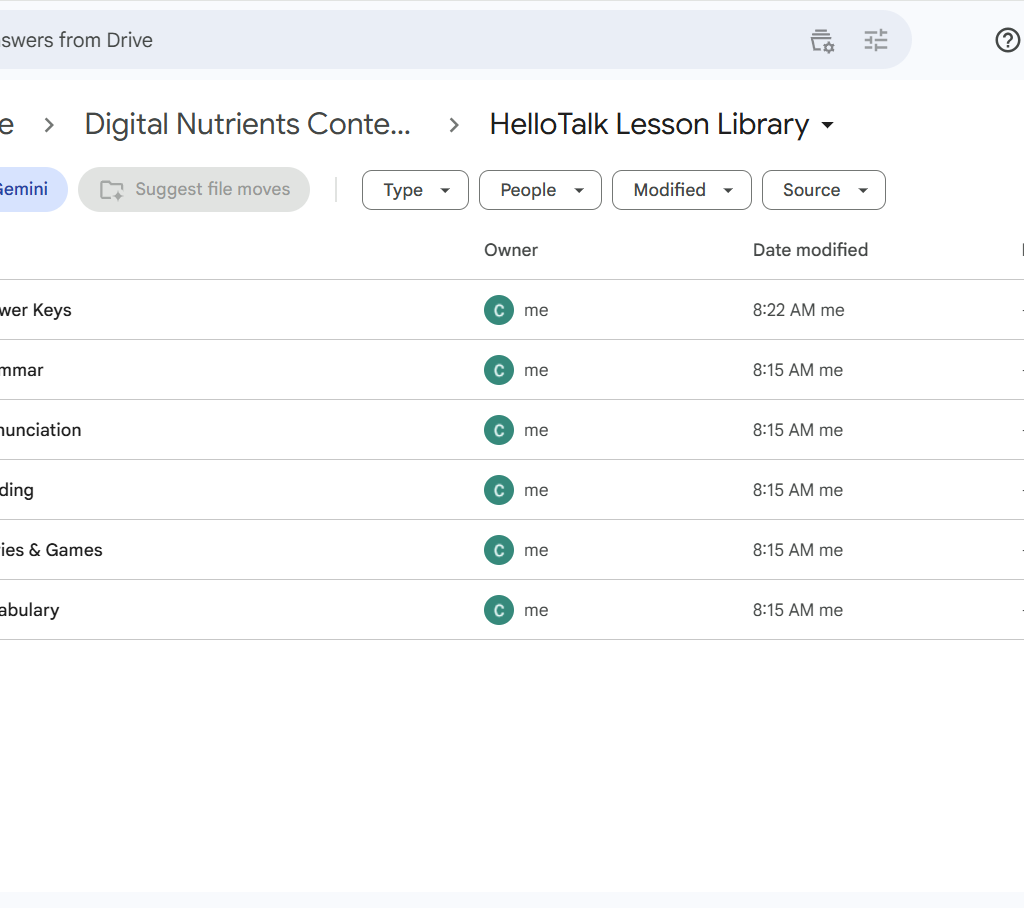
Lesson Library Organization

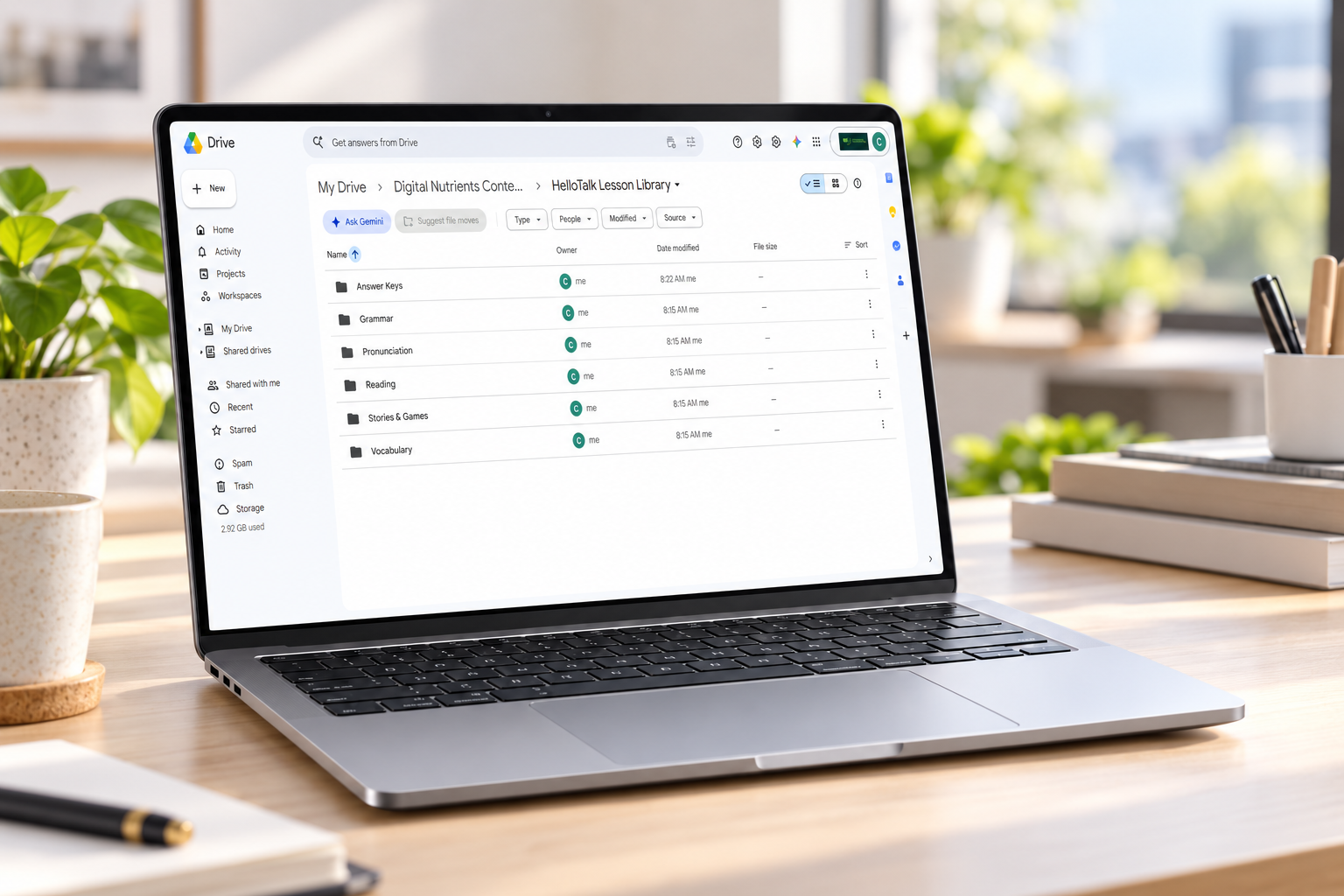
Organize HelloTalk lesson cards, pronunciation activities, vocabulary materials, stories, and teacher answer keys in a structured Google Drive library.

Docs & Slides icon

Content Planning & Documentation

Create and manage lesson plans, video scripts, guides, notes, and other educational content in Google Docs.

Google Sheets Icon

Workflow & Content Tracking

Track lessons, content inventory, publishing status, repurposing opportunities, and future projects in Google Sheets.

Google Calendar & Meet

Scheduling & Collaboration

Coordinate lessons, meetings, content work, and collaboration using Google Calendar and Google Meet.

Google Workspace Tutorials

Explore practical Google Workspace guides, real-world examples, and step-by-step workflows designed for educators, creators, tutors, and small businesses.

Is Google Workspace Right for You?

Google Workspace can be a strong fit if you need a more organized way to manage files, create content, communicate, collaborate, and schedule work across learning, teaching, content creation, or a small business.

Digital Nutrients Tools: We use Google Workspace to organize educational assets, manage content workflows, and support everyday business operations.

Cozy Google Workspace Productivity Desk image

Perguntas frequentes

Common questions about using ElevenLabs for education, content creation, and multilingual audio.

Google Workspace is a cloud-based productivity and collaboration suite that brings tools such as Gmail, Drive, Docs, Sheets, Calendar, Meet, Forms, and Gemini into a connected environment. It can help individuals and teams organize files, communicate, collaborate, schedule work, and manage everyday workflows.

A free Google account gives you access to many Google tools for personal use. Google Workspace is designed more for professional, organizational, and business use, with additional administrative, collaboration, storage, security, and business-email capabilities depending on the plan you choose.

Yes. Tutors and teachers can use Drive to organize lesson materials, Docs and Slides to create activities, Forms to collect responses, Calendar to schedule sessions, Meet for online instruction, and Sheets to track lessons, progress, or resources.

Yes. Small businesses can use Google Workspace for professional email, file organization, shared documents, scheduling, meetings, forms, spreadsheets, and collaboration. It is especially useful when you want several everyday business tools to work together within one system.

Yes. Creators can use Docs for scripts and planning, Drive for asset storage, Sheets for content calendars and tracking, Calendar for scheduling, Meet for collaboration, and Forms for collecting feedback or information.

Gemini can support tasks such as drafting, summarizing, brainstorming, organizing information, and assisting with work across supported Google Workspace tools. The exact features available can vary depending on your Google Workspace setup and plan.

Digital Nutrients uses Google Workspace to organize educational resources, manage lesson libraries, plan content, track projects, and support teaching and business workflows. One example is the structured HelloTalk Lesson Library in Google Drive, where lesson materials are organized by categories such as pronunciation, vocabulary, reading, grammar, stories, and answer keys.